 A Guide to Monthly Testosterone Replacement Therapy Costs and Expenses

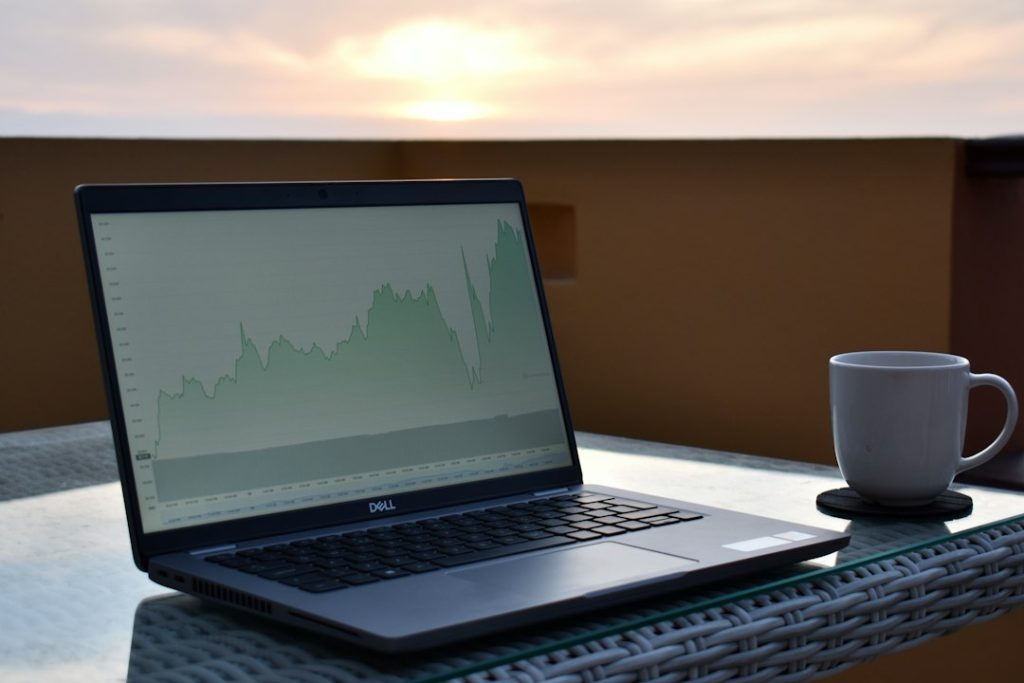
A trading platform becomes more useful when users understand how its individual functions connect with one another. The metatrader 4 login free experience provides access to a structured environment where market observation, charting, technical research, and trade administration can be handled from a central workspace. Rather than viewing login as a simple entry step, users can consider it the beginning of a broader workflow that involves account verification, market selection, analytical preparation, order management, and ongoing monitoring.
Table of Contents
- Why is the login stage important?
- What information can users examine after connecting?
- How does the platform organize market information?
- What makes charting a central feature?
- How can timeframes improve analysis?
- What are technical analysis tools used for?
- How does order history contribute to research?
- What are pending instructions designed to accomplish?
- How can alerts support efficiency?
- What is the value of workspace profiles?
- Can the platform support automated strategies?
- How does historical testing support strategy research?
- What role does platform connectivity play?
- Why should software updates be considered?
- How can users maintain better account security?
- What should users understand before using live trading functions?
- What does a complete MetaTrader 4 workflow look like?
Why is the login stage important?
Login establishes the connection between the user and the appropriate trading account. Correct credentials and server selection are essential because the platform needs to identify the account environment before displaying its relevant information.
Users should carefully check their account details and avoid entering credentials into unfamiliar applications or websites. Maintaining control over login information is an important part of responsible platform usage.
What information can users examine after connecting?
The available workspace can present market information, charts, account activity, and order-related details. The exact information shown can depend on the account configuration and connected trading environment.
Having these elements together can make it easier to move from research to monitoring. Users can inspect markets, open charts, review active positions, and examine previous activity without relying on separate tools for every task.
How does the platform organize market information?
Market information can be organized through dedicated lists that display available instruments. This provides users with a convenient starting point for selecting markets that require further examination.
An organized market list can also support routine monitoring. Instead of searching for instruments repeatedly, users can keep relevant markets accessible within their workspace.
What makes charting a central feature?
Charting provides a visual representation of market movement. Users can examine price behavior over different periods and apply technical tools to investigate patterns or changes in market conditions.
The ability to adjust chart appearance also contributes to usability. Users can select different chart formats, timeframes, and visual settings to create a research environment that matches their preferred analytical process.
How can timeframes improve analysis?
Different timeframes can provide different perspectives on market behavior. A broader timeframe may help users examine longer-term movement, while a shorter timeframe can provide more detailed information about recent activity.
Comparing timeframes can prevent users from relying too heavily on a single market perspective. However, timeframe selection should remain consistent with the purpose of the analysis rather than being changed simply to obtain a preferred visual result.
What are technical analysis tools used for?
Technical tools help users interpret market information through structured calculations or graphical methods. They may be used to examine trends, momentum, volatility, support and resistance concepts, or other characteristics.
The value of any analytical tool depends on proper interpretation. Indicators can provide information, but they do not remove uncertainty from financial markets. Users should understand the underlying calculation and limitations before using a tool in decision-making.
How does order history contribute to research?
Order history provides a record of previous trading activity. Reviewing historical orders can help users identify patterns in their own process, such as frequently used order types or recurring execution decisions.
This information can be valuable for maintaining a trading journal or evaluating whether a planned strategy is being followed consistently. Historical records should be reviewed objectively rather than interpreted as guarantees about future results.
What are pending instructions designed to accomplish?
Pending instructions allow users to define conditions under which an order may become active. This can help traders prepare for specific market scenarios without manually entering an order at the exact moment a condition occurs.
Because each order type has its own characteristics, users should understand activation rules and execution conditions before using them. Careful preparation is especially important when markets are moving quickly.
How can alerts support efficiency?
Alerts provide another way to monitor selected market conditions. They can notify users when a predefined condition is reached, reducing the need to continuously observe a chart.
Alerts are particularly useful as part of an organized monitoring routine. They should still be checked alongside broader market information because a notification only identifies the condition for which it was created.
What is the value of workspace profiles?
A consistent workspace can reduce unnecessary adjustments during regular market research. Users can arrange charts, market lists, and analytical tools in a preferred structure and maintain that setup for repeated use.
Different profiles can also support different analytical purposes. For example, a user may prefer one arrangement for broader market research and another for detailed chart examination.
Can the platform support automated strategies?
Where supported, automated programs can execute predefined instructions without requiring every action to be entered manually. These programs can be useful for strategy testing and systematic processes.
Automation should be approached carefully. A programmed strategy follows its defined rules and can continue operating when market conditions differ from those considered during development. Testing and monitoring therefore remain important.
How does historical testing support strategy research?
Historical testing allows users to examine how predefined rules would have behaved using past market data. This can help identify potential weaknesses, inconsistencies, or areas requiring further development.
Historical results should not be treated as direct evidence of future performance. Markets can change because of economic developments, liquidity conditions, volatility, and other factors that may not resemble earlier periods.
What role does platform connectivity play?
A stable connection is important for receiving current market information and managing platform functions. Connectivity problems can affect the ability to view updates or interact with trading features.
Users should understand that technical connectivity and market execution are separate considerations. A stable platform environment can support better access, but it cannot eliminate market-related uncertainty.
Why should software updates be considered?
Keeping platform software current can support security, compatibility, and operational reliability. Updates may address technical issues or improve functionality.
Users should obtain software and updates from trusted sources. Installing unknown files can create unnecessary security risks, particularly when login credentials or financial information are involved.
How can users maintain better account security?
Security begins with protecting login credentials. Users should avoid sharing passwords, should be cautious with suspicious messages, and should verify where account information is being entered.
Device security also matters. Secure operating systems, reliable network connections, and sensible access controls can contribute to a safer trading environment.
What should users understand before using live trading functions?
Users should first become comfortable with the interface, order types, charting tools, and account information. Understanding how an order is created, modified, and closed can reduce avoidable operational mistakes.
It is also important to distinguish platform functionality from investment outcomes. A platform provides tools for market participation; it does not determine whether a particular trading decision will succeed.
What does a complete MetaTrader 4 workflow look like?
A structured workflow can begin with secure login, continue with market observation, move into chart analysis, and then proceed to order management where appropriate. Monitoring and record review can complete the cycle.
This process highlights why individual features should not be viewed separately. Market lists support chart selection, charts support analysis, order tools support execution, and account history supports review. When these functions are understood together, the platform becomes easier to navigate and use in a disciplined manner.